Backgrounds & Effects
Dither Image
next/image wrapper for React and shadcn/ui that applies a CSS-only Bayer dither effect, with full-frame and partial masked reveals.
Updated
DitherImage
CSS-only Bayer dither via dither-plugin. Compound: DitherImage wraps a DitherImageFrame (the dithered surface) containing a DitherImageContent, with an optional DitherImageCaption that stays outside the filter.







rounded-full, 12px cell, dots flip in dark modeReveal · DitherImageOverlay
Partial dither: DitherImageReveal stacks a masked DitherImageOverlay on the dithered frame. direction controls the gradient axis; from / to set mask stops (see component types for diagonals).
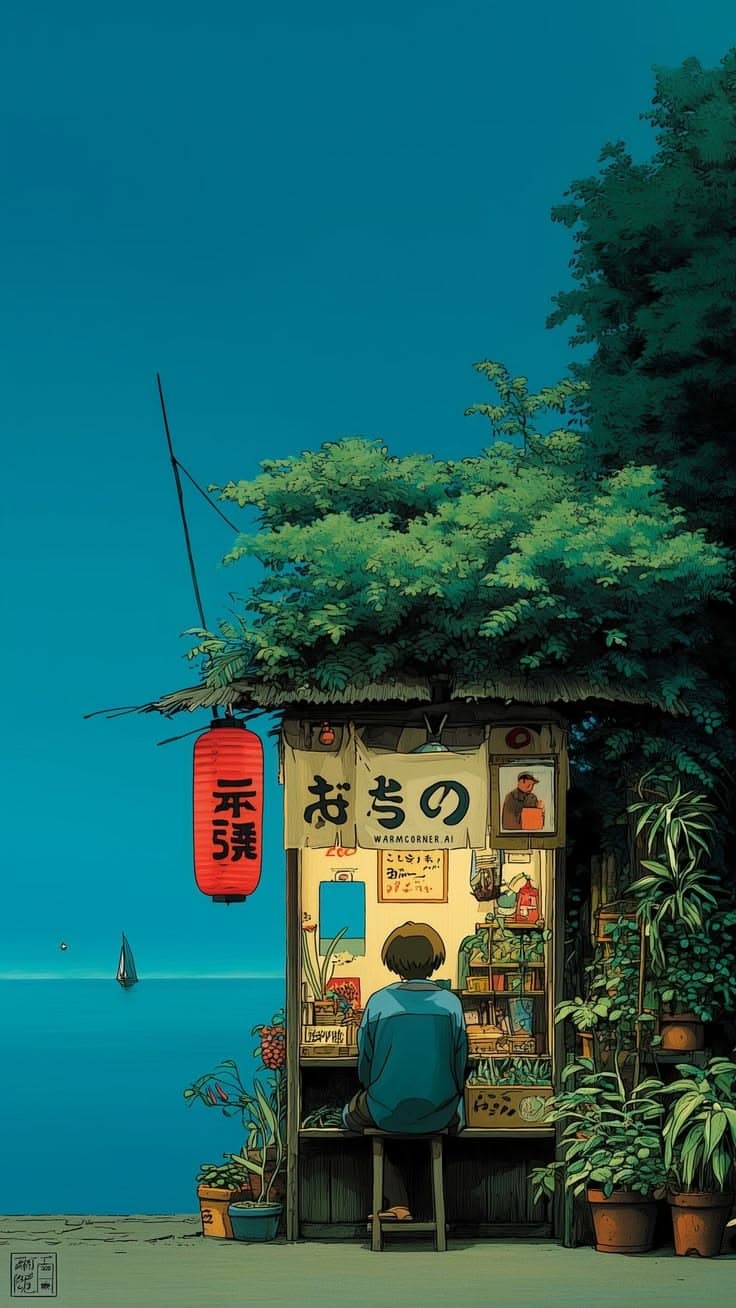

Dither Image is a React image component for shadcn/ui built on next/image and the dither-plugin Tailwind utility. Use it for editorial photos, portfolio grids, or landing page heroes, including partial reveals that dither only part of an image.
Installation
The UI layer is a thin React wrapper; the visual effect comes from dither-plugin. Install the package and import it in your Tailwind v4 stylesheet alongside tailwindcss.
pnpm dlx shadcn@latest add @cult-ui/dither-image
After the CLI finishes, ensure dither-plugin is installed and @import "dither-plugin"; is present in your global CSS (see Manual).
Usage
import {
DitherImage,
DitherImageCaption,
DitherImageContent,
DitherImageFrame,
} from "@/components/ui/dither-image";Full-frame dither
Wrap DitherImageContent in DitherImageFrame. The frame owns the dither-* utilities; captions belong in DitherImageCaption outside the frame so text is not blurred or grayscale-filtered.
<DitherImage>
<DitherImageFrame aspectRatio="square" size="md">
<DitherImageContent
src="/images/photo.jpg"
alt="Example"
fill
sizes="(min-width: 768px) 33vw, 100vw"
/>
</DitherImageFrame>
<DitherImageCaption>
Caption stays crisp outside the filtered surface.
</DitherImageCaption>
</DitherImage>Partial reveal (clean layer + dither)
Use DitherImageReveal as a relative overflow-hidden stage. Stack DitherImageFrame (dithered) and DitherImageOverlay (same image, masked) as siblings. The overlay’s direction, from, and to props control the gradient mask.
import {
DitherImageContent,
DitherImageFrame,
DitherImageOverlay,
DitherImageReveal,
} from "@/components/ui/dither-image";
export function DitherRevealExample() {
return (
<DitherImageReveal className="size-72 overflow-hidden rounded-xl">
<DitherImageFrame invertOnDark size="lg" aspectRatio="square">
<DitherImageContent src="/photo.jpg" alt="" fill sizes="288px" />
</DitherImageFrame>
<DitherImageOverlay
src="/photo.jpg"
alt=""
fill
sizes="288px"
from={0}
to={65}
/>
</DitherImageReveal>
);
}Dark mode and invertOnDark
When invertOnDark is set on DitherImageFrame, the frame is wrapped so the dither reads correctly in dark mode while photo colors are counter-inverted on DitherImageContent.
next/image and arbitrary sources
For remote URLs, blobs, or data URLs, the image optimizer may need unoptimized or remotePatterns in next.config. The upload playground below uses the same pattern you can copy into product code.
API
| Export | Role |
|---|---|
DitherImage | <figure> wrapper; groups frame + caption without applying dither filters. |
DitherImageFrame | Dither surface: size, aspectRatio, grayscale, contrast, brightness, blur, opacity, rounded, invertOnDark, and CSS variables via style. |
DitherImageContent | next/image child; use fill + object-cover sizing inside the frame. |
DitherImageReveal | Relative, overflow-hidden stage for partial dither layouts. |
DitherImageOverlay | Absolutely positioned duplicate image with a gradient maskImage; props direction, from, to, maskClassName. |
DitherImageCaption | <figcaption> with muted typography defaults. |
Types: DitherSize, DitherAspectRatio, DitherRevealDirection are exported for props and demos.
Notes
- The dither class must sit on a wrapper around the media: the plugin paints with
::after, which does not apply to raw<img>/<video>nodes. - The frame applies
filter: grayscale() brightness() blur() contrast()to all descendants—keep captions and UI chrome outsideDitherImageFrame. - Effect is CSS-only and Safari-friendly (no SVG filters). Runtime cost is negligible once styles are loaded.
Interactive playground (upload & URL)
Cult UI · sandbox
DitherImage — upload
Upload a file, paste an image or GIF URL, or use the sample. Tune dither-plugin live. Remote URLs, blobs, and data: use next/image with unoptimized so any host works without changing next.config.
This example depends on your local shadcn-style primitives (button, input, label, switch). Copy those from the demo or wire your own controls—the dither-image registry item is only the figure primitives above.